

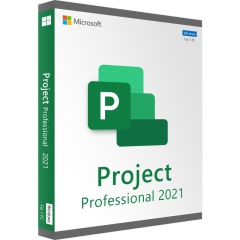

Microsoft Project 2019 Professional - Download 1 PC
Delivery time: 0-15 min.


100% secure payment
Purchase the software you want easily and securely thanks to SSL encryption in our shop.
Lightning-fast delivery
Email delivery and instant download within 5–30 minutes.
Installation assistance
We offer free assistance via TeamViewer for your initial installation.
Free support
Via chat, phone or email
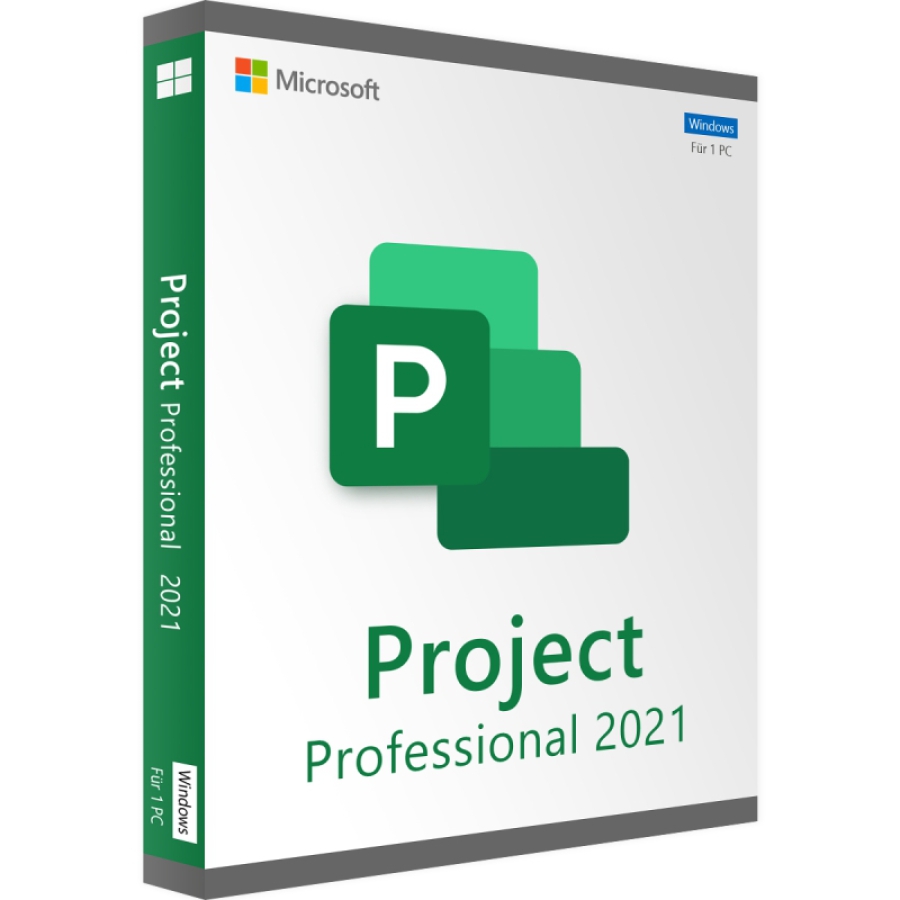
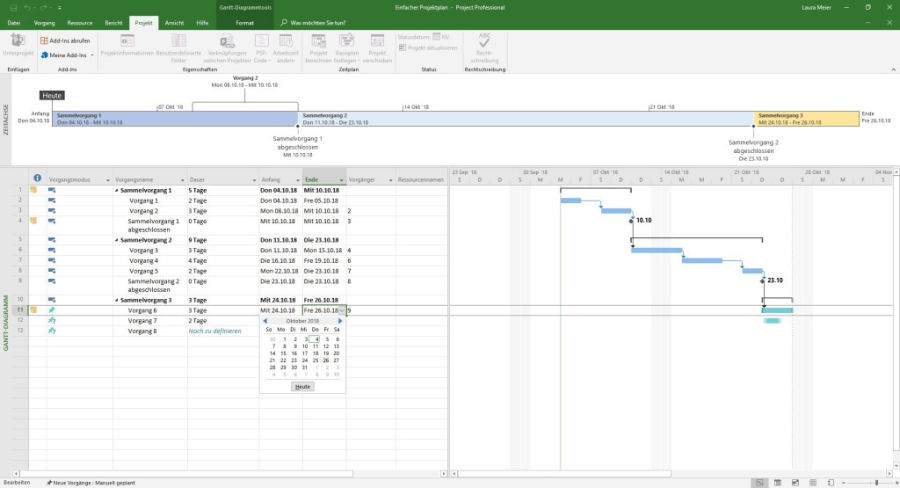
Project Professional 2021 is a tool that covers the complete areas of project management. The project manager can use this program to manage things like staff, time, and the budget and can thus keep an overview of all ongoing projects. Projects can be managed on a cloud or the network.
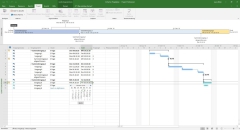
To help you keep track among the many projects, MS Project Professional 2019 offers improved portfolio management. With the help of this feature, project management immediately recognizes which projects are proceeding as planned and which require improvement. Budget management gives you an overview of the monetary status, a schedule provides a structural overview so that you can better manage deadlines. There is also "first aid" through certain analysis functions, as well as corresponding action recommendations available in the portfolio management.
To manage all these functions in larger companies and via a cloud, synchronization with Project Online and Project Server is possible. All participants thus have the possibility to work together on the projects and are not dependent on manual actions. An additional feature of this software is the integration of "Skype for Business" directly into the program. This simplifies collaboration of multiple people on the same project significantly, as text and video chats or checking presence are possible directly from the software. However, it is important to know that Skype for Business, Project Server and Project Online are not components of MS Visio Pro 2009 and must be purchased separately.
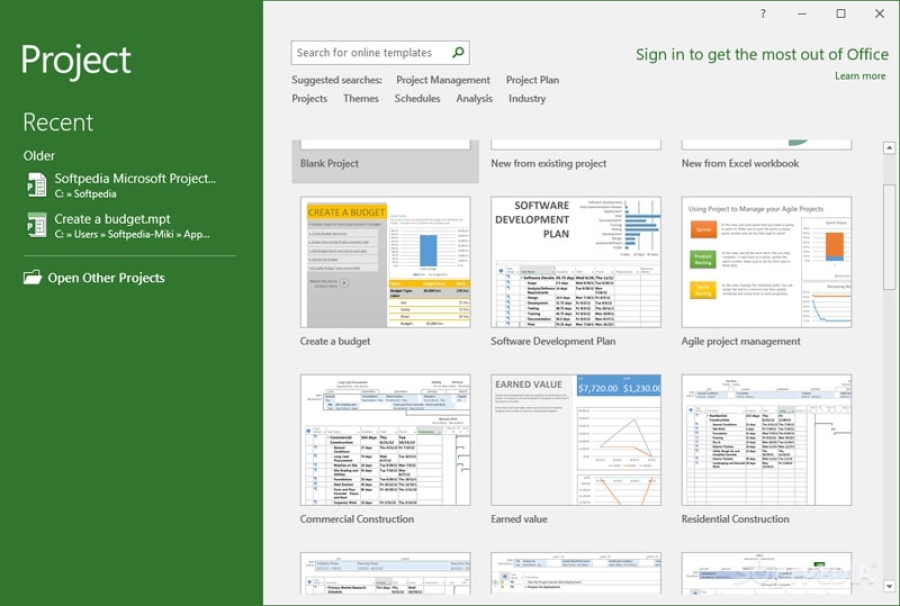
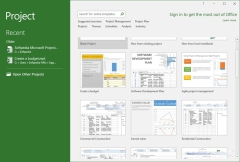
Even if you have not used this software before, you will find your way around easily using the included templates. These make it possible to create complex projects within a few minutes. You can also use these templates in later projects.
This edition is the most popular for most project management tasks.
- Fully installed, always up-to-date Project desktop application (installed)
- One license is valid for 1 PC and user
- Manage project schedules and costs
- Task management
- Reporting
- Business intelligence
- Skype for Business presence status for team collaboration (available separately)
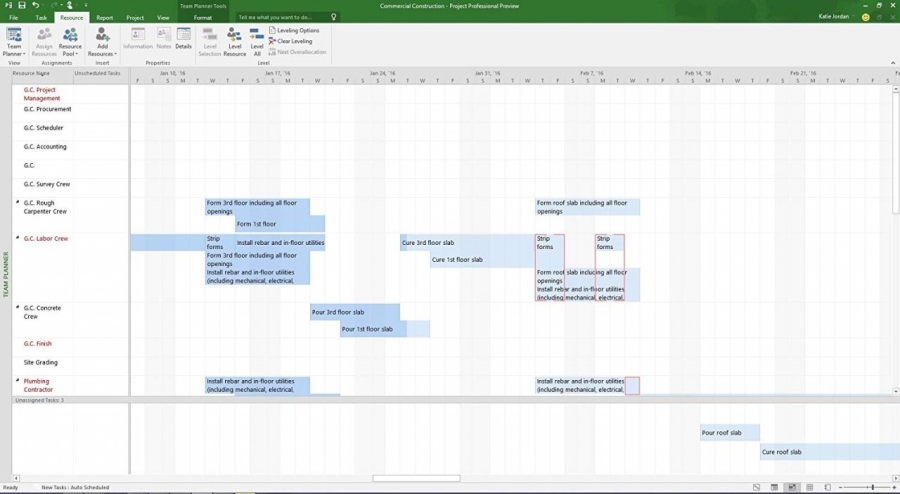
- Manage resources
- Sync with Project Online and Project Server
- Capture project-related effort, e.g. for payroll and invoicing
(@BLOCK type="specs" name="Details" title="Produktdetails" visible="all" @]
Manufacturer: Microsoft
Operating system (32-bit): Windows from version 10
Operating system (64-bit): Windows from version 10
Minimum system requirements: Processor from 1.3GHz x86 or x64 with SSE2 instruction set, 2GB RAM (32-bit) or 4GB RAM (64-bit), 3.5 GB free disk space
Operating system: Windows 10
Memory: at least 2 GB RAM
Hard drive: at least 3 GB available storage space
Display: at least 1,280 x 800 pixel resolution
Graphics card: DirectX 10 support required for GPU-accelerated interface
current versions of Internet Explorer, Chrome, Firefox or Microsoft Edge
You will not receive a data carrier; this item can only be used as a download.
Product safety details
Responsible person for the EU
Responsible for this product is the economic operator based in the EU:
Microsoft Ireland Operations Limited
One Microsoft Place
D18 P521 Leopardstown, Dublin 18
Ireland
https://support.microsoft.com/contactus
Attention: By clicking this link/these links you leave tralion.de and go to an external website. Please note that we are not responsible for their content.
You can also find the responsible economic operator for the product on the product itself, its packaging or in a document accompanying the product.