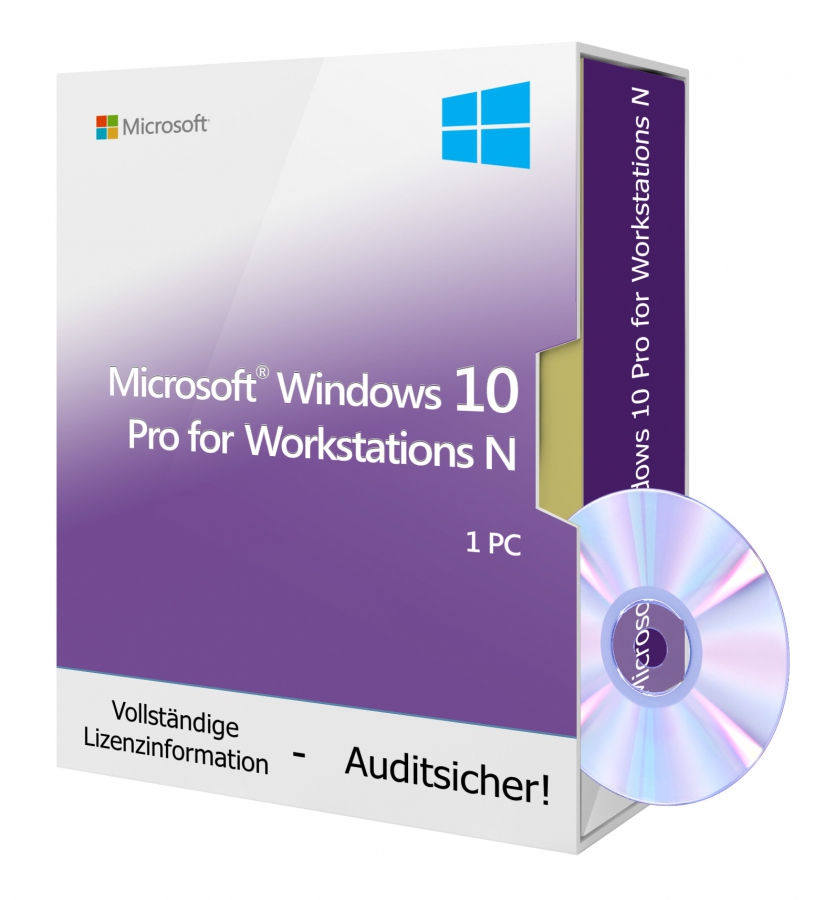
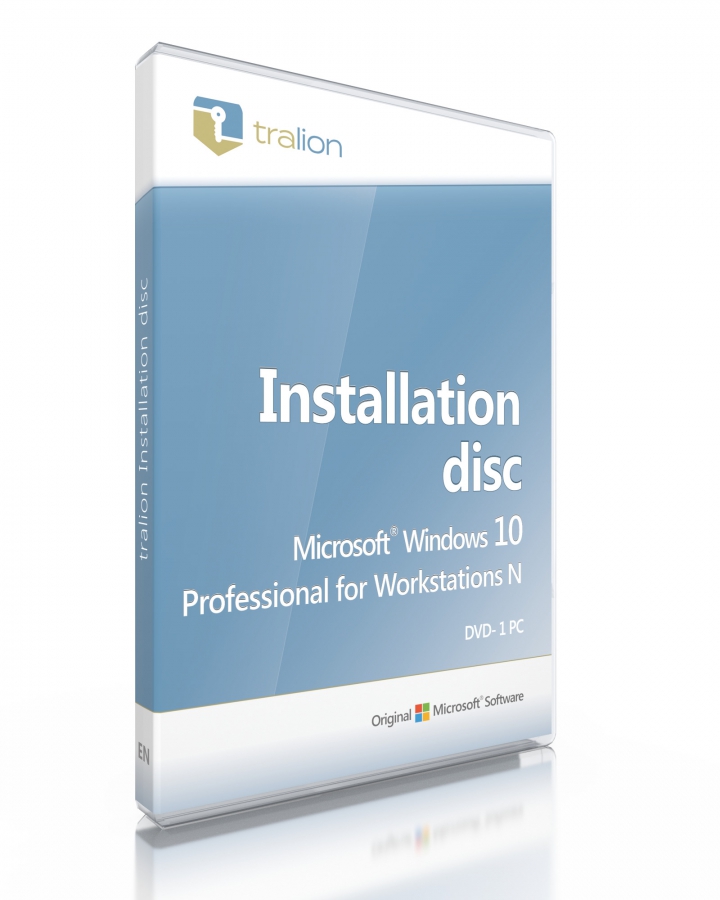
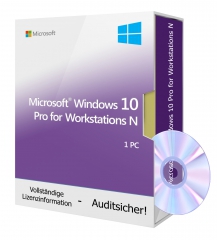
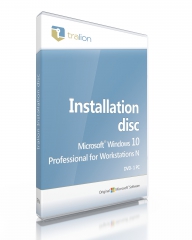

Microsoft Windows 10 Professional for Workstations N - DVD 1 PC
Over 300 sold already


100% secure payment
Purchase the software you want easily and securely thanks to SSL encryption in our shop.
Lightning-fast delivery
Email delivery and instant download within 5–30 minutes.
Installation assistance
We offer free assistance via TeamViewer for your initial installation.
Free support
Via chat, phone or email
Enhancements in the "for Workstation" edition:
Applications that can require a lot of resources can be handled by this edition effortlessly and with almost no performance degradation. This edition requires fewer CPU cycles for multitasking tasks; ideal for newer hardware.
Other features include the ReFS file system, suitable for modern CPUs from Intel and AMD with memory management up to 6000 GB.
This Windows 10 Professional N Workstaion is the edition without media features
This Windows edition is installed without the following features:
- Windows Media Player (player for audio and video files)
- Audio codecs: MPEG, WMA, AAC, FLAC, ALAC, AMR, Dolby Digital
- Video codecs: VC-1, MPEG-4, H.264, H.265 and H.263
- Windows Media Format (support for ASF files, audio and video codecs, streaming)
- Windows Media DRM (digital rights management)
- Groove Music (app for music playback)
- Video (app for video playback)
- Voice Recorder (app for recording audio)
- Skype (app for chatting and for video calls)
- a camera
After installing the N edition you cannot:
- create, convert, or play MP3 files / video files / audio CDs / DVDs.
- transfer media files to your music players.
- organize content into a media library.
- connect smartphones / MP3 players to Windows because the required MTP driver is missing.
The absence of media features causes the following issues with other Windows programs and features:
- Cortana's voice control does not work.
- PDF viewing in Microsoft Edge does not work.
- The login feature Windows Hello does not work.
- On portable Windows devices, media synchronization, image capture or file browsing is not supported.
- The webcam feature does not work
- Windows 10 cameras that use the picture transfer protocol (PTP) do not work.
- App synchronization does not work
- The OneDrive and Photos apps do not play videos
- Features of the Xbox app such as Game DVR do not work
- Alarm and timer sounds are not played.
- The audio recorder records only in WAV format.
- In HomeGroup, the integrated media sharing via streaming functions does not work.
- The "Group Policy for Removable Storage" feature does not work in the N and KN editions of Windows 10 Pro.
- Audio and video content from the Windows Store will not play. The preview of these contents in the Store also does not work.
- The radio feature does not work.
A special feature of Windows 10 is the built-in security features as well as the particularly fast system startups. Thus your system is automatically protected against malware. Furthermore, access to the Start menu is quick and easy, making the operation of Windows 10 very simple.
Windows 10 also offers the ability to create virtual desktops to access the elements that are important to you. This allows settings and notifications to be displayed on separate screens. To make your everyday life easier, the new browser Microsoft Edge helps you just as numerous apps do, which will significantly simplify the overall organization of your daily routine.
A major plus of Windows 10 is the digital assistant "Cortana", which answers your questions and is always at your side for various tasks.
Cortana learns more and more about your usage behavior day by day and also serves as a kind of calendar that reminds you of important appointments.
Only a clean installation of Windows 10 is possible.
Platform
   Microsoft
Supported operating system
   Windows 10
Processor
   Processor or SoC with at least 1 GHz
Memory
   1 GB for 32-bit or 2 GB for 64-bit
Hard disk space
   16 GB for 32-bit operating system or 20 GB for 64-bit operating system
Graphics card
   DirectX 9 or higher with WDDM 1.0 driver
Product safety details
Responsible person for the EU
Responsible for this product is the economic operator based in the EU:
Microsoft Ireland Operations Limited
One Microsoft Place
D18 P521 Leopardstown, Dublin 18
Ireland
https://support.microsoft.com/contactus
Attention: By clicking this link/these links you leave tralion.de and go to an external website. Please note that we are not responsible for their content.
You can also find the responsible economic operator for the product on the product itself, its packaging or in a document accompanying the product.