DE
DE
 English
 Francais
 Italiano
 Espanol


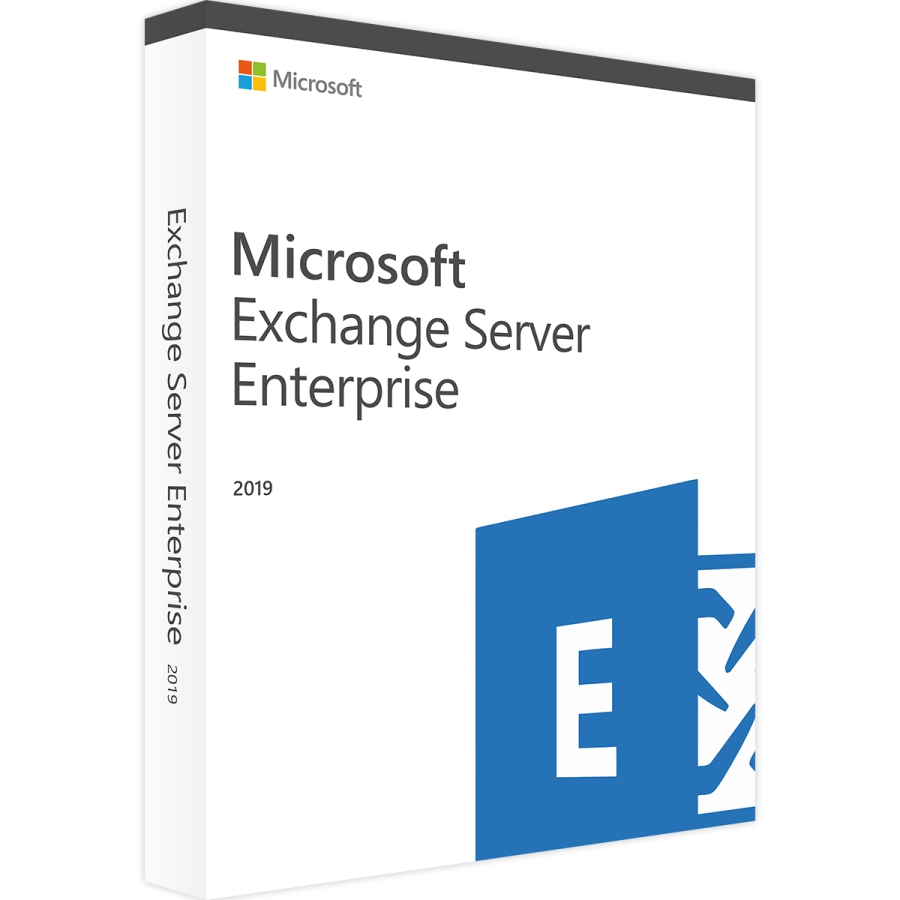

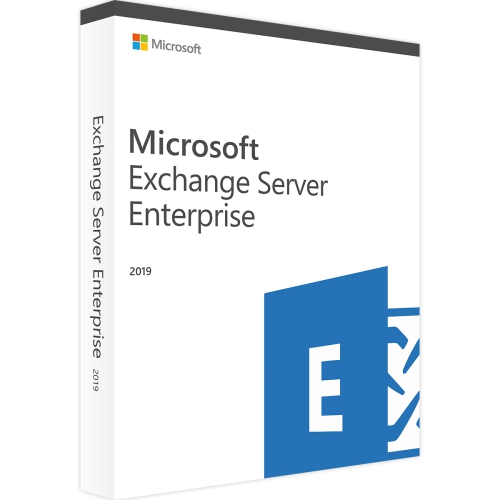
Microsoft Exchange Server 2019 Datacenter inkl. DVD
Auch erhältlich:
Lieferzeit: 0-15 Min.


100% sicher bezahlen
Gewünschte Software einfach und sicher durch SSL-Verschlüsselung im Shop kaufen.
Blitzversand
E-Mail Versand und Sofortdownload innerhalb 5-30 Minuten.
Hilfe bei der Installation
Wir bieten Ihnen bei der Erstinstallation kostenlose Hilfe über Teamviewer an.
Kostenloser Support
Im Chat, per Telefon oder E-Mail
Microsoft Exchange Server 2019 Enterprise - Die ideale Software-Lösung für Großunternehmen
Auf Basis der 2016er-Version hat Microsoft die in zahlreichen Unternehmen mit Windows-Umfeld zur Anwendung kommende Groupware- und E-Mail-Transport-Server-Software an zentralen Stellen verbessert. Damit kommen Unternehmen, die Microsoft Exchange Server 2019 Enterprise kaufen, in den Genuss der bisher leistungsstärksten zentralen Verwaltung und Ablage von Aufgaben, Kontakten, Terminen und E-Mails aus dem Hause Microsoft.
Die aktuelle Enterprise-Version ist anders als die Standard Variante von Microsoft Exchange genau auf die Anforderungen von Großunternehmen zugeschnitten. Hervorzuheben ist an dieser Stelle vor allem die Unterstützung von bis zu 100 Datenbanken mit einem Volumen von jeweils 2 Terabyte. Zum Vergleich: Das für kleine und mittelständische Unternehmen angepasste Exchange Server 2019 Standard unterstützt lediglich 5 Datenbanken.
Bing-Suche, Voice Mail-Funktionen und überarbeiteter Kalender
Nutzer, die Microsoft Exchange Server 2019 Enterprise kaufen und erstmals nutzen, werden gleich einige wichtige Änderungen feststellen. Die augenfälligste Änderung für End-User ist das überarbeitete Kalender-System, das sich in der aktuellen Version am Modell von Office 365 orientiert und damit auch mit dem einfachen Calendar Sharing daherkommt. Zudem haben Administratoren durch zusätzliche PowerShell cmdlets und die neu integrierte "Do not Forward"-Funktion ab der Version 2019 neue und erweiterte Funktionen zur effizienteren Verwaltung. Darunter etwa die Funktion "Remove-CalendarEvents" und "Add-MailboxFolderPermission", die der Zuweisung von Delegationsberechtigungen dient.
Mit Microsoft Exchange Server 2019 Enterprise entfernt Microsoft auch die mittlerweile betagte FAST-Suche aus der Software und ersetzt sie durch die Bing-Search Engine. Damit sind Suchinformationen und Suchindices fortan Teil der Postfachdatenbanken. Neben der alten Suche fällt auch die Unterstützung für Unified Messaging weg, sodass die Voice Mail-Funktionalitäten der Software nun via Cloud Voice Mail funktionieren. Für die Nutzung wird dementsprechend Skype for Business 2019 oder Office 365 vorausgesetzt.
Mehr Leistung für höhere Ansprüche
Dass gerade Großunternehmen Microsoft Exchange Server 2019 Enterprise kaufen, ist auf die traditionelle Unterstützung besonders leistungsstarker Serversysteme zurückzuführen. Auch in der aktuellen Version trägt Microsoft diesem Bedürfnis Rechnung und erweitert den maximal unterstützten Arbeitsspeicher von 192 GB auf 256 GB. Noch weiter geht die Leistungsanpassung in Sachen CPU-Leistung. Hier punktet Exchange Server 2019 gar mit einer Verdopplung der maximal unterstützten Prozessoren von 24 auf 48. Für weitere im direkten Betrieb spürbare Leistungsoptimierung sorgt die volle Unterstützung von SSD-Laufwerken als Zwischenspeicher.
Ausgewählte Features von Microsoft Exchange Server 2019 Enterprise
- Sichere Authentifizierung über Zertifikate
- SmartScreen-Filter und Intelligent Message Filter (IMF)
- Webzugriff über die Outlook Web App
- Umfangreiche Data Loss Prevention (DLP)
- Anbindung von Third Party Antivirensoftware über Ani-Viren-API
- Globales Adressbuch inklusive Black- und Whitelist
- Erweiterung des maximal unterstützten Arbeitsspeichers aus 256 GB
- Vollständige Unterstützung von SSD-Laufwerken als Zwischenspeicher
- Verdopplung der unterstützten Prozessoren von 24 auf maximal 48
- 100 Datenbanken mit jeweils 2 Terabyte
- Bing Search Engine ersetzt FAST-Suche
Unbegrenzte Nutzungsdauer und flexible Lizensierung
Unternehmen können für den Einsatz von Microsoft Exchange Server 2019 Enterprise Client Access Licenses (CALs) erwerben. Diese sind wahlweise als nutzergebundene User-CALs oder gerätegebundene Device-CALs erhältlich und ermöglichen damit eine flexible und kosteneffiziente Nutzung. Zudem besteht die Möglichkeit, einen External Connector zu erwerben. Darüber haben externe Nutzer wie Kunden oder Lieferanten ebenfalls direkt Zugriff auf Exchange, was zahlreiche Prozesse vereinfacht. Darüber hinaus ist die Nutzung von Microsoft Exchange Server 2019 Enterprise zeitlich unbegrenzt.
| Plattform | Windows |
| Unterstütztes Betriebssystem | Windows Server 2019 |
| Prozessor | Intel-CPU mit x64-Architektur. Diese muss die Intel 64-Architketur "Intel EM64T" unterstützen. Alternativ wird eine AMD-CPU benötigt, welche die "AMD64"-Plattform unterstützt. |
| Arbeitsspeicher | mindestens 4 GB RAM (bei Zugriff über den Client), mindestens 8 GB RAM (Postfach) |
| Grafikkarte | k.A. |
| Soundkarte | k.A. |
| Festplatte | Mindestens 30 GB Festplattenspeicher auf dem Laufwerk der Exchange-Installation |
| Bildschirm | k.A. |
| Optisches Laufwerk | k.A. |
| Systemanforderungen | |
|---|---|
| Prozessor | x64-Architektur, Intel-Prozessor mit Intel 64-Architektur oder AMD-Prozessor mit AMD64-Architektur |
| Betriebssysteme | Windows Server 2019 Standard oder Datacenter Edition (mit Desktop Experience) |
| Arbeitsspeicher | mindestens 128 GB RAM für Mailbox-Server, 64 GB RAM für Edge-Transport-Server |
| Festplattenspeicher | mindestens 30 GB freier Speicherplatz auf dem Systemlaufwerk (für Exchange-Server-Installationsdateien), mindestens 200 MB freier Speicherplatz auf dem Laufwerkssystem für jedes Exchange-Komponente (z.B. für Mailbox-Datenbanken) |
| Prozessorgeschwindigkeit | 2,0 GHz oder schneller (mit 2 oder mehr Kernen) |
Es ist zu beachten, dass dies nur die Mindestanforderungen für eine Standard-Installation sind. Größere Organisationen mit mehr Benutzern und höheren Anforderungen an die Plattform benötigen möglicherweise mehr RAM, Festplattenspeicher und Netzwerkbandbreite. Es wird empfohlen, vor der Installation von Exchange Server 2019 Enterprise eine gründliche Planung durchzuführen und die empfohlenen Hardware-Anforderungen für die spezifische Organisation zu ermitteln. (genauere Informationen erhalten Sie bei dem Hersteller) | |
Details zur Produktsicherheit
Verantwortliche Person für die EU
Verantwortlich für dieses Produkt ist der in der EU ansässige Wirtschaftsakteur:
Microsoft Ireland Operations Limited
One Microsoft Place
D18 P521 Leopardstown, Dublin 18
Irland
https://support.microsoft.com/contactus
Achtung: Beim Klick auf diese(n) Link(s) verlassen Sie tralion.de und gelangen zu einer externen Webseite. Bitte beachten Sie, dass wir für deren Inhalte nicht verantwortlich sind.
Sie finden den für das Produkt verantwortlichen Wirtschaftsakteur auch auf dem jeweiligen Produkt bzw. der Verpackung oder in einer dem Produkt beigefügten Unterlage.