DE
DE
 English
 Francais
 Italiano
 Espanol


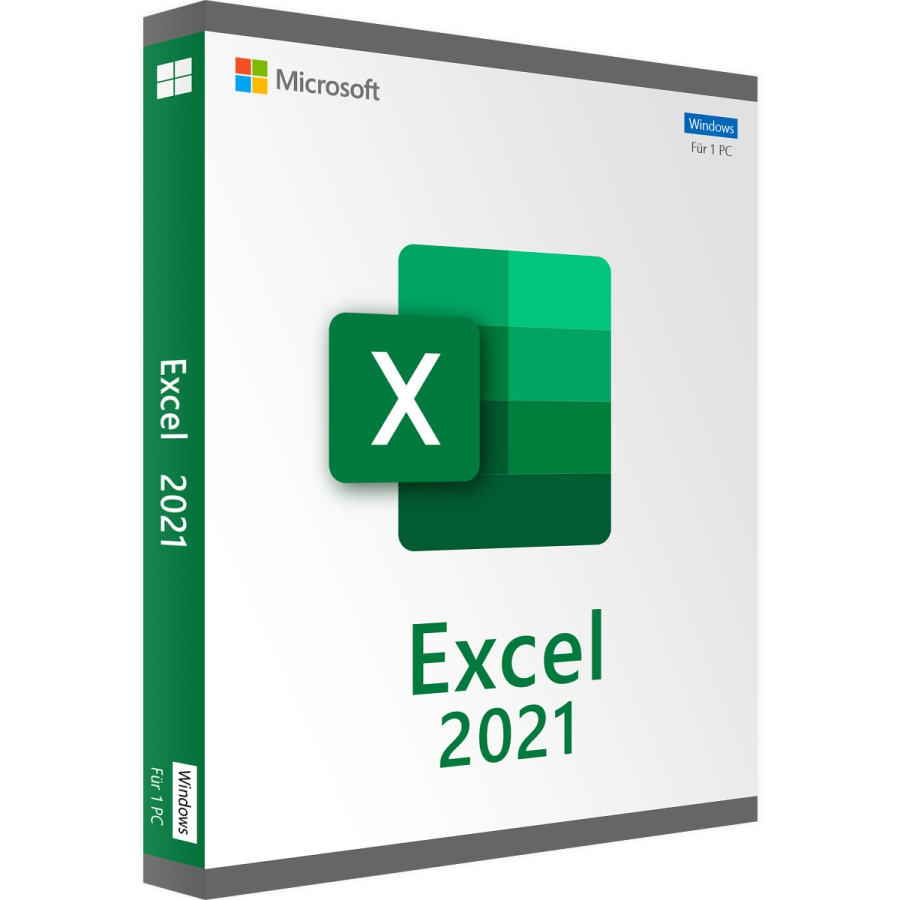

Microsoft Excel 2021 Download
Lieferzeit: 0-15 Min.
Bereits mehr als 200 mal verkauft


100% sicher bezahlen
Gewünschte Software einfach und sicher durch SSL-Verschlüsselung im Shop kaufen.
Blitzversand
E-Mail Versand und Sofortdownload innerhalb 5-30 Minuten.
Hilfe bei der Installation
Wir bieten Ihnen bei der Erstinstallation kostenlose Hilfe über Teamviewer an.
Kostenloser Support
Im Chat, per Telefon oder E-Mail
Microsoft Excel 2021 als Einzellizenz
Microsoft Excel ist auch in der aktuellen Version 2021 die bislang unübertroffene Tabellenkalkulationssoftware zur Erstellung komplexer kaufmännischer und statistischer Berechnungen, ergänzt durch eine Vielzahl Funktionen, die auch logische sowie wirtschaftsmathematische Berechnungen und die Verwendung von Pivot-Tabellen ermöglichen. Die Analyse-Ergebnisse können dabei durch eine breite Auswahl an Diagrammtypen informativ und übersichtlich dargestellt werden. Excel 2021 arbeitet dazu mit PowerBI, dem leistungsfähigen Geschäftsanalysedienst von Microsoft zusammen, der auch den direkten Export von Daten in andere Umgebungen ermöglicht.
Mit Microsoft Excel 2021 sind noch weitere umfangreiche bzw. auch komplexere Kalkulationen mittels erweiterter Formeln und neuer Funktionen bei der Verkettung und der Auswahl von Daten möglich. Wichtige Daten können dabei farbig markiert werden, um diese hervorzuheben. Neue Diagramme bieten mehr Möglichkeiten bei der grafischen Darstellung.
Das dazu verfügbare Microsoft Excel Online ist mit allen gängigen Browsern nutzbar, damit ist die Erstellung von Tabellen und die Bearbeitung der Daten in Echtzeit sowie das Teilen mit anderen Usern möglich. Die verbesserte Touch-Unterstützung erleichtert die Nutzung von Excel auf auch Tablets oder Smartphones.
Hinzu kommen neue Tools wie Freihand-Zeichnen und verbesserte Möglichkeiten zur leichten Erstellung von barrierefreien Tabellen und Arbeitsmappen.
Durch die Nutzung von Cloud-Diensten ist das Teilen der Dokumente mit anderen Anwendern für die Zusammenarbeit ganz unkompliziert möglich.
Übrigens: Um Excel 2021 auf Ihrem Computer oder einem anderen Endgerät nutzen zu können, ist die Installierung von Windows 10 Voraussetzung. Im tralion Onlineshop erhalten Sie nicht nur die aktuelle Word Excel Version 2021, sondern auch dessen Vorgänger und daneben auch weitere Office-Programme besonders preisgünstig als Einzelplatzversion, ohne Software-Abo. Alle wichtigen neuen Features in Word 2021 finden Sie im folgenden Überblick.
Überblick zu den neuen Excel-Funktionen der Version 2021
Excel 2021 enthält nicht nur Verbesserungen der Vor-Version, sondern auch viele neue Features, die zu Teil bisher nur im Abo-Modell Office 365 enthalten waren – diese stehen nun auch in der Kauf-Version zur Verfügung.
Spezifische Excel-Tabellenfunktionen
Für die Verknüpfung von Tabellen zu erweiterten Abfragen wurde Excel 2021 um einige neue praktische Funktionen ergänzt:
- TEXTKETTE: Diese Funktion birgt auf den ersten Blick nichts wesentlich neues gegenüber der bisherigen VERKETTEN-Funktion, im Unterschied zu dieser ist sie jedoch kürzer und lässt sich auch einfacher eingeben. Zudem unterstützt die TEXTKETTE-Funktion auch Bereichsbezüge, während bisher nur einzelne Zellbezüge möglich waren. Dadurch kann TEXTKETTE auch ein Reihe von Zellen bzw. ganze Spalten berücksichtigen.
- Mit der TEXTVERKETTEN-Funktion ist das Kombinieren von Text aus mehreren Bereichen möglich, dabei wird jedes Element durch ein vom User angegebene Trennzeichen getrennt. Dadurch können beispielsweise Wörter, die in Zellen aufgeteilt sind, zu einem Satz verbunden werden.
- WENNS: Mit dieser Funktion wird die Eingabe komplizierter WENN-Funktionen vereinfacht, denn die jeweiligen Bedingungen werden damit in der vorher festgelegten Reihenfolge getestet. Die Funktion MAXWENNS gibt dazu in einem definierten Bereich die größte Zahl an, die mindestens eines der Kriterien erfüllt; gleiches gilt für die Funktion MINWENNS für die kleinste Zahl.
- Auswahl aufheben: In früheren Versionen von Excel war es nicht möglich, in einem zuvor ausgewählten Bereich einzelne Zellen, Zeilen oder Spalten wieder auszuschließen. In Excel 2021 können Anwender nun überflüssige Zeilen deaktivieren, die beispielweise zu viel oder falsch markiert wurden.
Optimierungen für PivotTable
PivotTable, das leistungsstarke Excel-Tool zur Analyse und Auswertung großer Datenmengen inklusive der übersichtlichen Darstellung der Ergebnisse in Dokumenten, wurde in der 2021er Version durch einige weitere praktische Funktionen ergänzt:
- Personalisiertes PivotTable-Standardlayouts: Diese Funktion ermöglicht es nun, eine Pivot-Tabelle individuell nacheigenen Vorstellungen einzurichten, inklusive der Darstellung der Teilergebnisse sowie der Gesamtergebnisse und der gewünschten Form des Berichtslayouts, und diese Vorgaben dann als Standardlayout zu speichern, so dass es beim nächsten Mal sofort zur Verfügung steht.
- Automatisches Erkennen von Beziehungen: Diese Funktion basiert auf den bei Analysen häufig angewendeten Schritten, indem sie automatisch Beziehungen zwischen den Tabellen erstellt, die bereits für das Datenmodell einer Arbeitsmappe verwendet wurden. Excel erkennt beispielsweise, wann für eine Analyse mindestens zwei Tabellen verknüpft werden müssen, und weist den User darauf hin. Mit einem einzigen Klick stehen die jeweiligen Beziehungen zur Verfügung.
- Benutzerdefinierte Measures können in Excel 2021 direkt in der PivotTable-Feldliste erstellt und bearbeitet sowie auch gelöscht werden.
- OLAP-PivotTables können noch schneller erstellt werden: Bei der Nutzung von OLAP- (Online Analytical Processing) Servern für PivotTables erfolgt die Abfrage jetzt noch schneller. Dies gilt nicht nur für die mit den Microsoft SQL Server Analysis Services verbundenen Pivot-Tabellen, sondern auch für andere OLAP-Server von Drittanbietern.
- Intelligentes Umbenennen: Werden in Excel 2021 in einer Arbeitsmappe die Tabellen und Spalten eines Datenmodells umbenannt, so aktualisiert Excel bei jeder Änderung automatisch auch alle entsprechenden zugehörigen Tabellen und Berechnungen, inklusive aller Arbeitsblätter und DAX-Formeln.
- Power Query: Durch Optimierung der bereits bestehenden sowie neuen Konnektoren – wie z.B. dem Connector SAP Hana – können Daten aus unterschiedlichen Quellen noch schneller und einfacher bei ETL- (Extract, Transform & Load) Prozessen in Excel 2021 importiert werden.
| Systemanforderungen | |
|---|---|
| Prozessor | 1,6 GHz oder schneller, 2-Kern-Prozessor |
| Betriebssystem | Windows 10 oder Windows 11 |
| Arbeitsspeicher | 4 GB RAM (64-Bit); 2 GB RAM (32-Bit) |
| Festplattenspeicher | Mindestens 4 GB verfügbarer Speicherplatz |
| Anzeige | 1280 × 768 Bildschirmauflösung |
| Grafik | DirectX 9 oder höher mit WDDM 2.0 oder höher |
| Zusätzliche Anforderungen | Internetverbindung, Microsoft-Konto |
| (Weitere Details finden Sie in der offiziellen Microsoft-Dokumentation) | |
Wie erhalte ich den Lizenzschlüssel sowie Downloadlink?
Bei diesem Produkt handelt sich um eine Download-Version. Innerhalb von 15 Minuten nach Zahlungseingang erhalten Sie den Lizenzschlüssel sowie den Downloadlink per E-Mail. Das Produkt kann damit sofort heruntergeladen, installiert und online aktiviert werden.
Details zur Produktsicherheit
Verantwortliche Person für die EU
Verantwortlich für dieses Produkt ist der in der EU ansässige Wirtschaftsakteur:
Microsoft Ireland Operations Limited
One Microsoft Place
D18 P521 Leopardstown, Dublin 18
Irland
https://support.microsoft.com/contactus
Achtung: Beim Klick auf diese(n) Link(s) verlassen Sie tralion.de und gelangen zu einer externen Webseite. Bitte beachten Sie, dass wir für deren Inhalte nicht verantwortlich sind.
Sie finden den für das Produkt verantwortlichen Wirtschaftsakteur auch auf dem jeweiligen Produkt bzw. der Verpackung oder in einer dem Produkt beigefügten Unterlage.