DE
DE
 English
 Francais
 Italiano
 Espanol


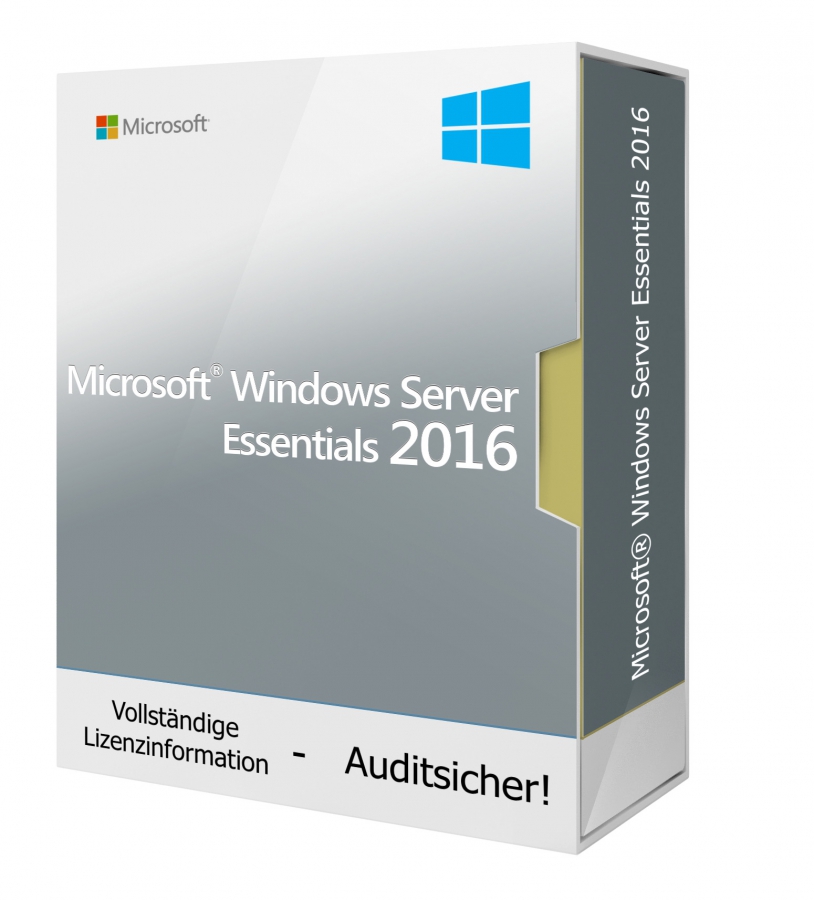

Microsoft Windows Server 2016 Essentials Download
Auch erhältlich:

Lieferzeit: 0-15 Min.
Bereits mehr als 300 mal verkauft


100% sicher bezahlen
Gewünschte Software einfach und sicher durch SSL-Verschlüsselung im Shop kaufen.
Blitzversand
E-Mail Versand und Sofortdownload innerhalb 5-30 Minuten.
Hilfe bei der Installation
Wir bieten Ihnen bei der Erstinstallation kostenlose Hilfe über Teamviewer an.
Kostenloser Support
Im Chat, per Telefon oder E-Mail
Windows Server 2016 Essentials ist die optimale Serverlösung für kleinere Unternehmen. Das auf Windows 10 basierende System kann auf zwei physischen Prozessoren mit bis zu 25 Benutzer oder 50 Geräten verwendet werden und ist speziell für die Nutzung in Unternehmen ohne virtuelle Umgebung ausgerichtet. Microsoft Windows Server 2016 Essentials verfügt über verbesserte Funktionen, die die Produktivität in Ihrem Unternehmen vorantreiben werden. Die Essentials Version eignet sich ideal als Erstserver und kann in Umgebungen mit mehreren Servern auch als primärer Server genutzt werden.
Vorteile von Windows Server 2016 Essentials
- Die Verwaltung des Systems erfolgt über ein leicht zu bedienendes Dashboard
- Die meisten Arbeitsschritte können dank Assistenten ohne die Hilfe eines Administrators durchgeführt werden
- Benutzer und Zugriffsrechte können im Dashboard festgelegt und verwaltet werden
- Die einzelnen Arbeitsstationen werden automatisch auf dem Server gespeichert
Einfache Installation und Bedienung
Ein Pluspunkt von Windows Server 2016 Essentials ist die relativ leichte Einrichtung des Server-Betriebssystems. Ein Assistent startet die Installation automatisch und unterstützt Sie bei allen wichtigen Schritten. Während der Installation wird eine neue ActiveDirectory-Gesamtstruktur erstellt, ohne dass sich Administratoren mit den Hintergründen auseinandersetzen müssen. Das System bietet dank optimierter Oberfläche auch weniger erfahrenen Anwendern eine einfache Möglichkeit zur Server-Verwaltung. Gesteuert wird Windows Server 2016 Essentials über ein Dashboard, welches sehr einfach zu bedienen ist. Ein auf dem Client-Rechner installierter Agent sorgt automatisch für die Anbindung an den Server und die Speicherung der Daten. Zudem erstellen und verwalten Sie ganz einfach neue Benutzer, Freigaben und Rechte über das Dashboard.
Benutzer anlegen und verwalten mit Office 365
Neben der klassischen Methode, Benutzerkonten direkt im System anzulegen, haben Sie bei Windows Server 2016 Essentials auch die Möglichkeit bestehende Office 365 Benutzerkonten auf dem Server zu verknüpfen oder direkt Postfächer in Office 365 anlegen. Dazu benötigen Sie lediglich den Assistenten zur Anbindung von Office 365 und Azure Active Directory. Zusätzlich können Sie unter den Nutzern Administratoren festlegen und den verschiedenen Anwendern unterschiedliche Freigaben zuweisen. Hierbei können Sie zwischen lesenden und schreibenden Zugriffen differenzieren.
Microsoft Windows Server 2016 Essentials ist auf einem physischen Server mit bis zu zwei Prozessoren ausführbar. Eine Core- bzw. CAL-Lizenzierung ist nicht notwendig. Windows Server 2016 Essentials deckt bereits 25 Nutzer oder 50 Geräte ab.
WINDOWS SERVER 2016 ESSENTIALS - SYSTEMANFORDERUNGEN
| Plattform | Windows |
| Unterstütztes Betriebssystem | Windows Server 2016 Essentials |
| Prozessor | x86/x64-Prozessor mit mindestens 1 GHz und SSE2-Befehlssatz |
| Arbeitsspeicher | 2 GB RAM für 64-Bit-Versionen |
| Festplattenspeicher | 16,0 GB verfügbarer Festplattenspeicher |
| Grafikkarte | Grafikkarte mit DirectX 10 |
| Soundkarte | k.A. |
Details zur Produktsicherheit
Verantwortliche Person für die EU
Verantwortlich für dieses Produkt ist der in der EU ansässige Wirtschaftsakteur:
Microsoft Ireland Operations Limited
One Microsoft Place
D18 P521 Leopardstown, Dublin 18
Irland
https://support.microsoft.com/contactus
Achtung: Beim Klick auf diese(n) Link(s) verlassen Sie tralion.de und gelangen zu einer externen Webseite. Bitte beachten Sie, dass wir für deren Inhalte nicht verantwortlich sind.
Sie finden den für das Produkt verantwortlichen Wirtschaftsakteur auch auf dem jeweiligen Produkt bzw. der Verpackung oder in einer dem Produkt beigefügten Unterlage.