DE
DE
 English
 Francais
 Italiano
 Espanol


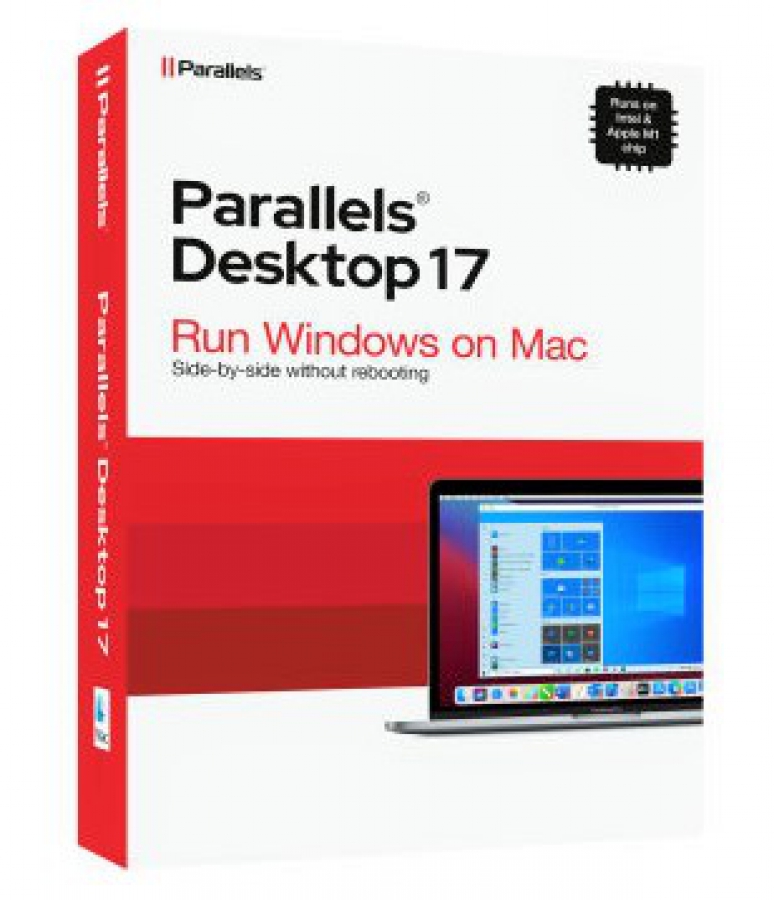

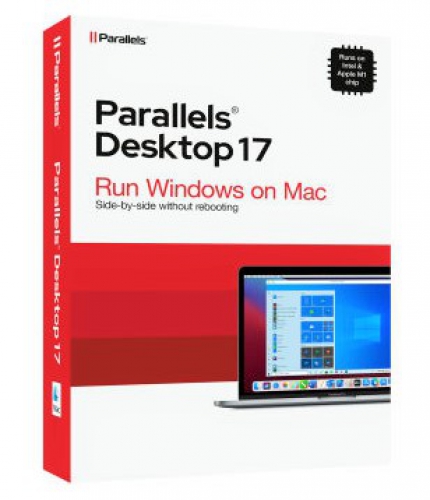
Parallels Desktop v17 int. Mac (1J) Standard
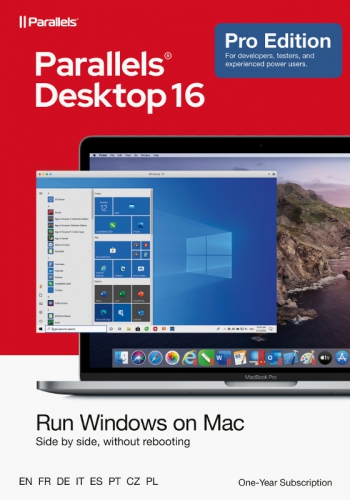
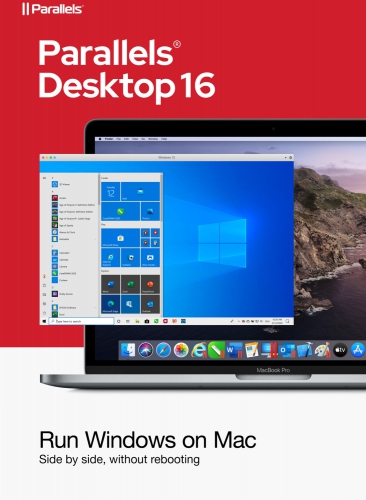
Auch erhältlich:


100% sicher bezahlen
Gewünschte Software einfach und sicher durch SSL-Verschlüsselung im Shop kaufen.
Blitzversand
E-Mail Versand und Sofortdownload innerhalb 5-30 Minuten.
Hilfe bei der Installation
Wir bieten Ihnen bei der Erstinstallation kostenlose Hilfe über Teamviewer an.
Kostenloser Support
Im Chat, per Telefon oder E-Mail
1 Jahr Subscription
Parallels Desktop 17 für Mac
Windows auf dem Mac ausführen
• Entwickeln und Testen auf mehreren Betriebssystemen in einer virtuellen Maschine für Mac
• Auf Microsoft Office für Windows und Internet Explorer zugreifen
• Schnell – Windows-Anwendungen laufen auf Ihrem Mac, ohne ihn auszubremsen
• Schnell Dateien, Anwendungen und vieles mehr von einem PC auf einen Mac verschieben
Schnell, leistungsstark und einfach
Ganz gleich, ob Sie Windows-Programme ausführen müssen, die keine Mac-Versionen haben, oder ob Sie von einem PC auf einen Mac wechseln und Ihre Daten übertragen müssen, Parallels Desktop bietet Ihnen alles, was Sie brauchen.
Perfekt integriert
Verwenden Sie Windows und macOS® parallel (kein Neustart notwendig) auf Ihrem MacBook®, MacBook Pro®, iMac®, iMac Pro®, Mac mini® oder Mac Pro®. Geben Sie Dateien und Ordner frei, kopieren und fügen Sie Bilder und Text ein und verschieben Sie Dateien zwischen Mac- und Windows-Anwendungen.
Einfache Einrichtung
Parallels Desktop erkennt automatisch, was benötigt wird, damit Sie innerhalb weniger Minuten loslegen können. Wenn Sie Windows benötigen, werden Sie aufgefordert, Windows 10 herunterzuladen und zu installieren oder Ihre vorhandene Windows-, Linux-, Ubuntu- oder Boot Camp®-Installation auszuwählen.
Blitzschnell
Grafisch aufwendige und anspruchsvolle Windows-Programme laufen mühelos und ohne Ihren Mac auszubremsen. Führen Sie die anspruchsvollsten Anwendungen wie Adobe® Photoshop®, Visual Studio®, SketchUp® oder AutoDesk Revit aus.
Auswahl der Ansicht
Blenden Sie Windows aus, während sie weiterhin die Windows-Anwendungen im Coherence-Modus nutzen. Wenn der Mac neu für Sie ist, können Sie Windows so einstellen, dass es den gesamten Bildschirm belegt, sodass es genau so aussieht, als ob Sie einen Windows-PC verwenden würden.
Was ist neu?
macOS 10.15 - Kompatibel mit Catalina
Parallels Desktop 15 ist kompatibel mit dem demnächst veröffentlichten macOS® Catalina einschließlich Support für Sidecar. Der Support für weitere Catalina-Funktionen ist zur Zeit in Entwicklung und wird ungefährt zur kommenden Veröffentlichung von macOS 10.15 verfügbar sein. Wenn Sie Parallels Desktop 15 erwerben oder einen Upgrade durchführen, sind Sie bereit für diese Updates.
Version 15 unterstützt macOS Catalina 10.15 (nach dessen Einführung), Mojave 10.14, High Sierra 10.13 und macOS Sierra 10.12.
Grafiken - DirectX 11
Version 15 unterstützt DirectX 9, DirectX 10 und DirectX 11 - – alles über Apple Metal®.* Jetzt, wo DirectX 11 zur Verfügung steht, können Sie grafikintensive Anwendungen und Spiele wie Autodesk 3ds Max 2020, Lumion, ArcGIS Pro, Master Series, FIFA 19, Age of Empires, Fallout 4 und mehr ausführen!
*macOS Mojave ist erforderlich; macOS Catalina (wenn freigegeben) wird für die beste Leistung empfohlen und ist für bestimmte Anwendungen erforderlich.
Mac-Integration - E-Mail-Dateien aus Finder
Parallels Desktop 15 unterstützt nun das Freigabe-Menü von Finder. Sie können Dateien von MacOS aus einer Windows-E-Mail-Anwendung senden. Klicken Sie einfach mit der rechten Maustaste auf eine Datei im Finder und wählen Sie Teilen > Mit Windows E-Mail-Anwendung senden. Die Datei wird von Ihrem E-Mail-Client gesendet, der in Windows als Standard eingestellt ist.
Mac-Integration - Screenshot-Vorschau an Windows
Ziehen und ablegen wie noch nie. Apple® hat die Methode für Screenshots in Mojave und Catalina geändert und Sie werden wahrscheinlich feststellen, dass Sie deren Vorschau in Windows-Anwendungen nicht nutzen können. Parallels Desktop 15 ermöglicht dies jetzt und bietet außerdem die Möglichkeit, Bilder direkt aus Safari, Photos und anderen Mac-Anwendungen zu ziehen.
Apple - Apple Pencil und Sidecar
Verwenden Sie Apple Pencil® in Ihren bevorzugten Windows-Anwendungen mit zusätzlicher Neigungs- und Radierunterstützung. Mit Sidecar können Sie Ihr iPad als zweites Display zum Erweitern Ihrer Windows-Anwendungen verwenden.
Mehr Verbindungen - Bluetooth
Parallels Desktop 15 unterstützt eine zusätzliche Kategorie von Bluetooth-Geräten. Sie können nun den Xbox One Controller, die Logitech Craft-Tastatur, den IRISPen sowie einige IoT-Geräte (z. B. intelligente Haushaltsgeräte und Smartbands) anschließen. Außerdem gibt Ihnen der Support für Bluetooth Low Energy die Möglichkeit, ein beliebiges Xbox-Spiel in einer virtuellen Windows 10-Maschine (VM) zu spielen.
Betriebssytem-Kompatibilität - Linux
Eine Vielzahl von Linux-Distributionen wird in virtuellen Maschinen unterstützt. Version 15 kommt mit Virtio GPU, der gleitende Maus, dynamische Auflösung und Multimonitor unterstützt (sogar ohne Parallels Tools).
Schneller arbeiten - Leistung
Genießen Sie deutliche Leistungsverbesserungen in Parallels Desktop 15. Microsoft Office-Anwendungen starten bis zu 80 % schneller und auch die Benutzeroberfläche von Parallels Desktop ist schneller und reaktionsbereiter. Genießen Sie bis zu 15 % schnellere 3D-Grafiken (die besten Ergebnisse erhalten Sie beim 3DMark13 Cloud Gate-Test mit AMD Radeon Graphics).
Parallels Desktop bietet jetzt Unterstützung für die Apple Metal® API mit verbesserter Grafik. Im Zuge der Umstellung auf Metal unterstützt Parallels Desktop 15 DirectX® 11, 10 und 9 auf Metal und bietet den Kunden eine bessere Leistung als je zuvor.
| Editionen vergleichen | Standard Edition | Pro Edition |
| Windows 10 mit einem Klick herunterladen und installieren | ja | ja |
| Optimiert für macOS Catalina (10.15) | ja | ja |
| Benutzerdefinierte Touch Bar für Windows-Anwendungen | ja | |
| Integration in Chef/Ohai/Docker/Vagrant | ja | |
| Network Conditioner zur Simulation von Geschwindigkeiten und Tests | ja | |
| Microsoft Visual Studio Plug-in | ja | |
| Debuggen, Löschen einer VM oder eine SSH-Sitzung starten | ja | |
| Premium-Support mit täglicher Erreichbarkeit rund um die Uhr per Telefon und E-Mail | 30 Tage | ja |
| Virtueller RAM für jede VM | 8 GB vRAM | 128GB vRAM |
| Virtuelle CPUs für jede VM | 4 vCPUs | 32 vCPUs |
-Geöffnete Software-Pakete sind vom Umtausch ausgeschlossen-
Details zur Produktsicherheit
Verantwortliche Person für die EU
Verantwortlich für dieses Produkt ist der in der EU ansässige Wirtschaftsakteur:
Es liegen uns zur Zeit leider keine Kontakt-Daten vor
Sie finden den für das Produkt verantwortlichen Wirtschaftsakteur auch auf dem jeweiligen Produkt bzw. der Verpackung oder in einer dem Produkt beigefügten Unterlage.