DE
DE
 English
 Francais
 Italiano
 Espanol
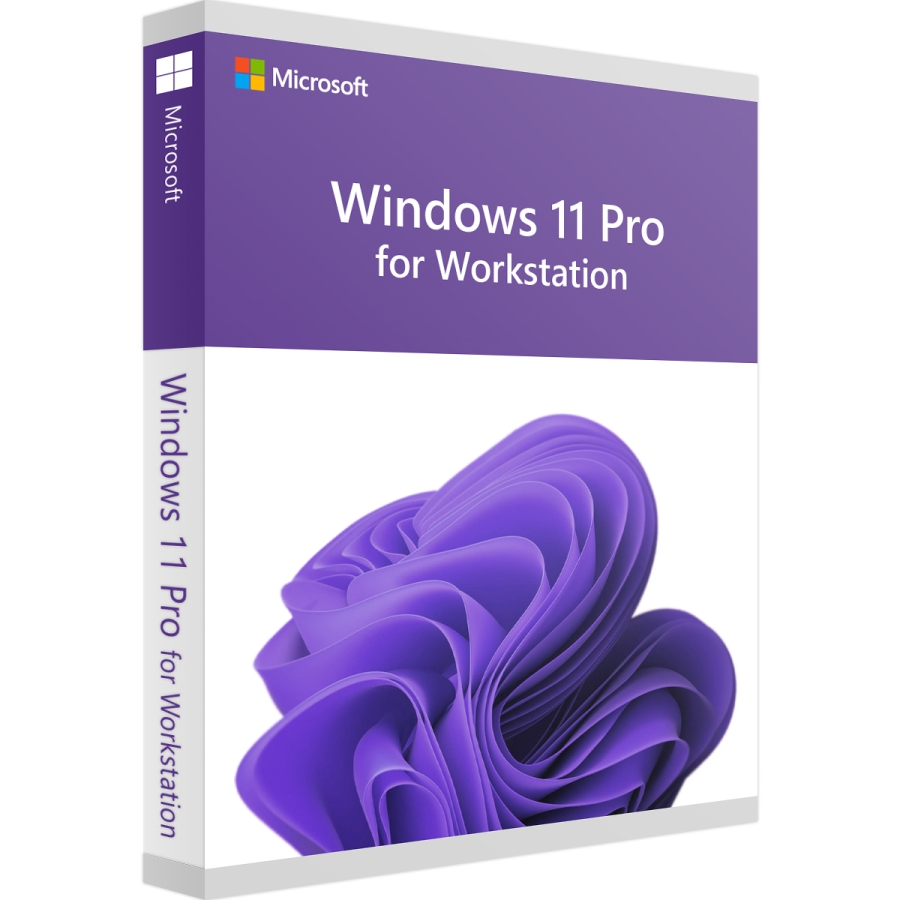
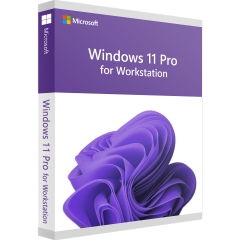

Microsoft Windows 11 Pro for Workstations Download
Windows 11 Pro for Workstations ist eine speziell entwickelte Edition des Betriebssystems, die für leistungshungrige Anwendungen in professionellen Umgebungen optimiert wurde. Sie richtet sich an Nutzer, die mit rechenintensiven Aufgaben wie Datenanalyse, 3D-Rendering oder maschinellem Lernen arbeiten.

Lieferzeit: 0-15 Min.
Bereits mehr als 1.400 mal verkauft


100% sicher bezahlen
Gewünschte Software einfach und sicher durch SSL-Verschlüsselung im Shop kaufen.
Blitzversand
E-Mail Versand und Sofortdownload innerhalb 5-30 Minuten.
Hilfe bei der Installation
Wir bieten Ihnen bei der Erstinstallation kostenlose Hilfe über Teamviewer an.
Kostenloser Support
Im Chat, per Telefon oder E-Mail
Microsoft Windows 11 Pro for Workstations – das funktionsreiche Betriebssystem
Microsoft Windows 11 Pro richtet sich vorrangig an anspruchsvolle Anwender, Freiberufler, Selbständige, Unternehmen und andere Organisationen, die im Vergleich zur Home-Edition von zahlreichen weiteren Funktionen profitieren möchten. Wenn Sie Windows 11 Pro kaufen, stehen Ihnen zusätzlich Windows Information Protection (WIP) und die BitLocker-Geräteverschlüsselung zur Verfügung. Als weitere Windows 11 Pro Features sind die Unterstützung für Azure Active Directory, die Visualisierungstechnik Hyper-V, die mobile Geräteverwaltung, Windows Update for Business, erweiterte Remote-Desktop-Funktionen und der Windows Defender Application Guard (WDAG) zu nennen. Microsoft baut bei dem neuen Betriebssystem auf den Stärken von Windows 10 auf und ergänzt diese um Verbesserungen sowie Neuerungen, die ein noch effektiveres Arbeiten gestatten. Nach dem Windows 11 Download sind Sie nur noch wenige Schritte von der Nutzung eines modernen und benutzerfreundlichen Betriebssystems entfernt.
Die Windows 11 Pro for Workstations Neuerungen im Überblick
Im Vergleich zur Vorgängerversion erwarten Sie zahlreiche neue Funktionen, die sich sowohl beim Arbeiten als auch beim Spielen hervorheben. Der umfassende Multi-Window-Support ist insbesondere in der Arbeitswelt von überzeugenden Vorteilen geprägt. Das Betriebssystem merkt sich die einzelnen Fensterpositionen und stellt die Anordnung wieder her, nachdem die Verbindung zu einem zuvor abgetrennten Bildschirm wiederhergestellt wurde. Unter anderem Unternehmensmitarbeiter, die mit ihrem Laptop relativ häufig zwischen Büro und Sitzungsraum wechseln müssen, profitieren von diesem Feature. Wenn Sie Windows 11 Pro kaufen, sind Sie für die verschiedensten Unternehmensaufgaben bestens gerüstet. Allerdings weiß das Betriebssystem auch im Privatbereich zu überzeugen. Microsoft nutzt die Erfahrung mit der Xbox und bringt den PC als dominierende Spieleplattform auf ein neues Level. Die DirectStorage-API kann Spieldaten unmittelbar in den Speicher der Grafikkarte laden und erhöht auf diesem Wege die Performance. Die Windows 11 Pro Lizenz ist mit der neuen Auto HDR-Funktion verbunden, die Spiele, die mit DirectX 11 oder höher erstellt wurden, auf den viel lebendigeren HDR-Standard hochrechnet. Das Ergebnis sind tiefere Kontraste, sattere Farben und eine breitere Farbpalette.
Windows 11 Pro for Workstations kaufen und von einer umfangreichen Edition profitieren
Im Vergleich zur Home-Edition stehen Ihnen mit dem Windows 11 Key zahlreiche zusätzliche Funktionen zur Verfügung. Die Unterstützung von Virtualisierungsfeatures ist als besonderes Merkmal hervorzuheben. Windows 11 Pro unterstützt Hyper-V und Windows Sandbox. Windows Sandbox ist eine Funktion, um nicht vertrauenswürdige Anwendungen in einer schlanken isolierten Umgebung auszuführen, die unabhängig von Ihrer Hauptinstallation ausgeführt wird. Technisch gesehen ist Windows Sandbox eine virtuelle Maschine, die bei Bedarf mit dem Hypervisor von Microsoft erstellt wird und das gleiche Betriebssystem-Image wie das auf Ihrem Computer verwendet. Während bei Windows 11 Home der Rechner als Remotedesktop-Client verwendet werden kann, ermöglicht Windows 11 Pro den zusätzlichen Einsatz als Host. Wenn Sie Windows 11 Pro kaufen, profitieren Sie von zusätzlichen Sicherheitsfunktionen, die insbesondere bei der Verarbeitung von geschäftlichen Daten zum Tragen kommen. Hierzu zählt unter anderem die Unterstützung der BitLocker-Verschlüsselung. Das Ziel von BitLocker ist es, Computer und Laufwerke vor Datenschutzverletzungen und Eindringlingen zu schützen. Es verschlüsselt Ihr gesamtes Laufwerk und bietet mit dem TPM-Modul ein hohes Maß an Sicherheit. Windows Information Protection (WIP) ist als weiteres Windows 11 Pro Feature zu nennen. Die WIP-Richtlinien verhindern bei Bedarf, dass Anwender unternehmensspezifische Informationen an Dritte weiterleiten können. Außerdem können die persönlichen und die geschäftlichen Daten auf einem Gerät voneinander getrennt werden. Nach einem Verlust oder Diebstahl des Endgerätes besteht die Möglichkeit, die Geschäftsdaten mit wenigen Schritten aus der Ferne zu löschen.
| Systemanforderungen | |
|---|---|
| Prozessor | 1 Gigahertz (GHz) oder schneller mit 2 oder mehr Kernen auf einem kompatiblen 64-Bit-Prozessor oder SoC |
| Display | > 9-Zoll mit HD-Auflösung (720p) |
| Arbeitsspeicher | 4 GB RAM |
| Festplattenspeicher | 64 GB oder größeres Speichergerät |
| Grafikkarte | DirectX 12-kompatible Grafikkarte/WDDM 2.x |
| (genauere Informationen erhalten Sie bei dem Hersteller) | |
Wie erhalte ich den Lizenzschlüssel sowie Downloadlink?
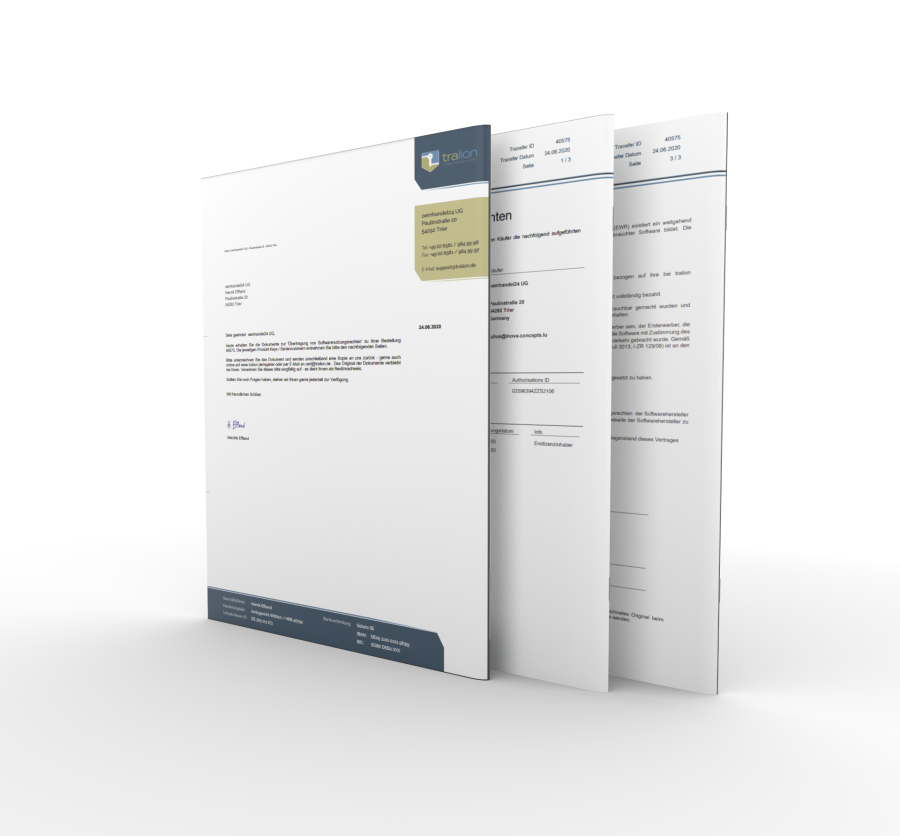
Bei diesem Produkt handelt sich um eine Download-Version. Innerhalb von 24 Stunden nach Zahlungseingang erhalten Sie den Lizenzschlüssel sowie den Downloadlink per E-Mail. Das Produkt kann damit sofort heruntergeladen, installiert und online aktiviert werden.
Dieses Angebot richtet sich nur an gewerbetreibende. Als Privatanwender bitte wählen Sie eine Windows 11 Pro OEM oder Retail Version.
Details zur Produktsicherheit
Verantwortliche Person für die EU
Verantwortlich für dieses Produkt ist der in der EU ansässige Wirtschaftsakteur:
Microsoft Ireland Operations Limited
One Microsoft Place
D18 P521 Leopardstown, Dublin 18
Irland
https://support.microsoft.com/contactus
Achtung: Beim Klick auf diese(n) Link(s) verlassen Sie tralion.de und gelangen zu einer externen Webseite. Bitte beachten Sie, dass wir für deren Inhalte nicht verantwortlich sind.
Sie finden den für das Produkt verantwortlichen Wirtschaftsakteur auch auf dem jeweiligen Produkt bzw. der Verpackung oder in einer dem Produkt beigefügten Unterlage.